User Accounts
Creating a User Account
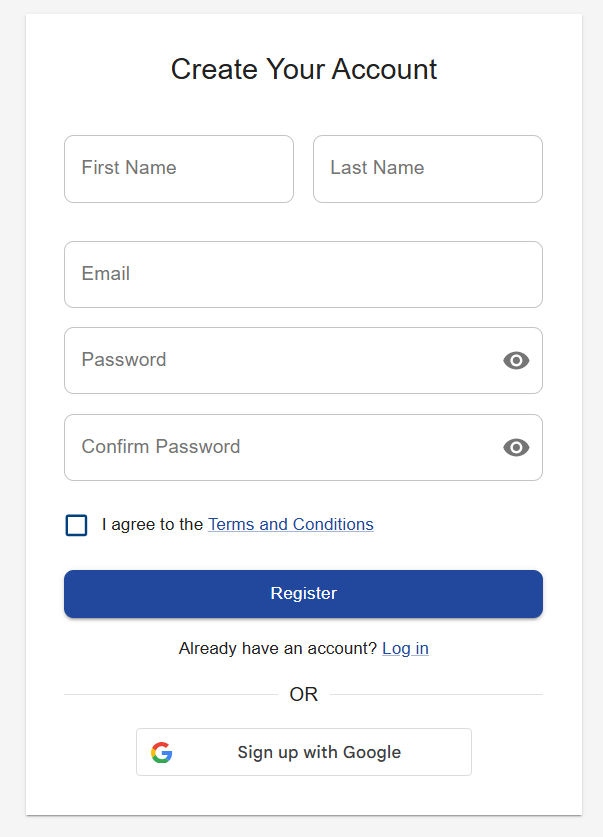
To get started with Centro Access, you'll need to create a user account:
- Navigate to the Centro Access login page
- Click on "Sign Up" or "Create Account"
- Fill in your details including name, email address, and password
- Accept the terms of service
- Click "Create Account"
- Additionally, a user can also create an account by tapping the "Sign up with Google" button
For additional information about user account creation, please visit our User creation Guide.
Verifying Your Email
After creating your account, you'll need to verify your email:
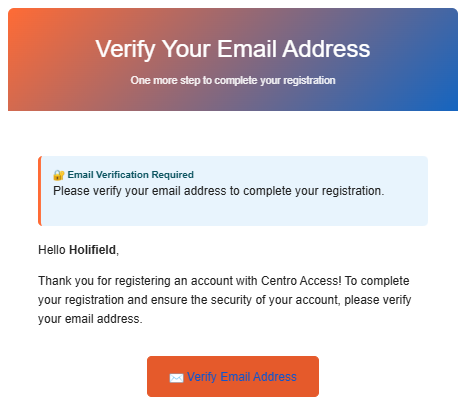
- Check your email inbox for a verification message from Centro Access
- Open the email and click on the verification link
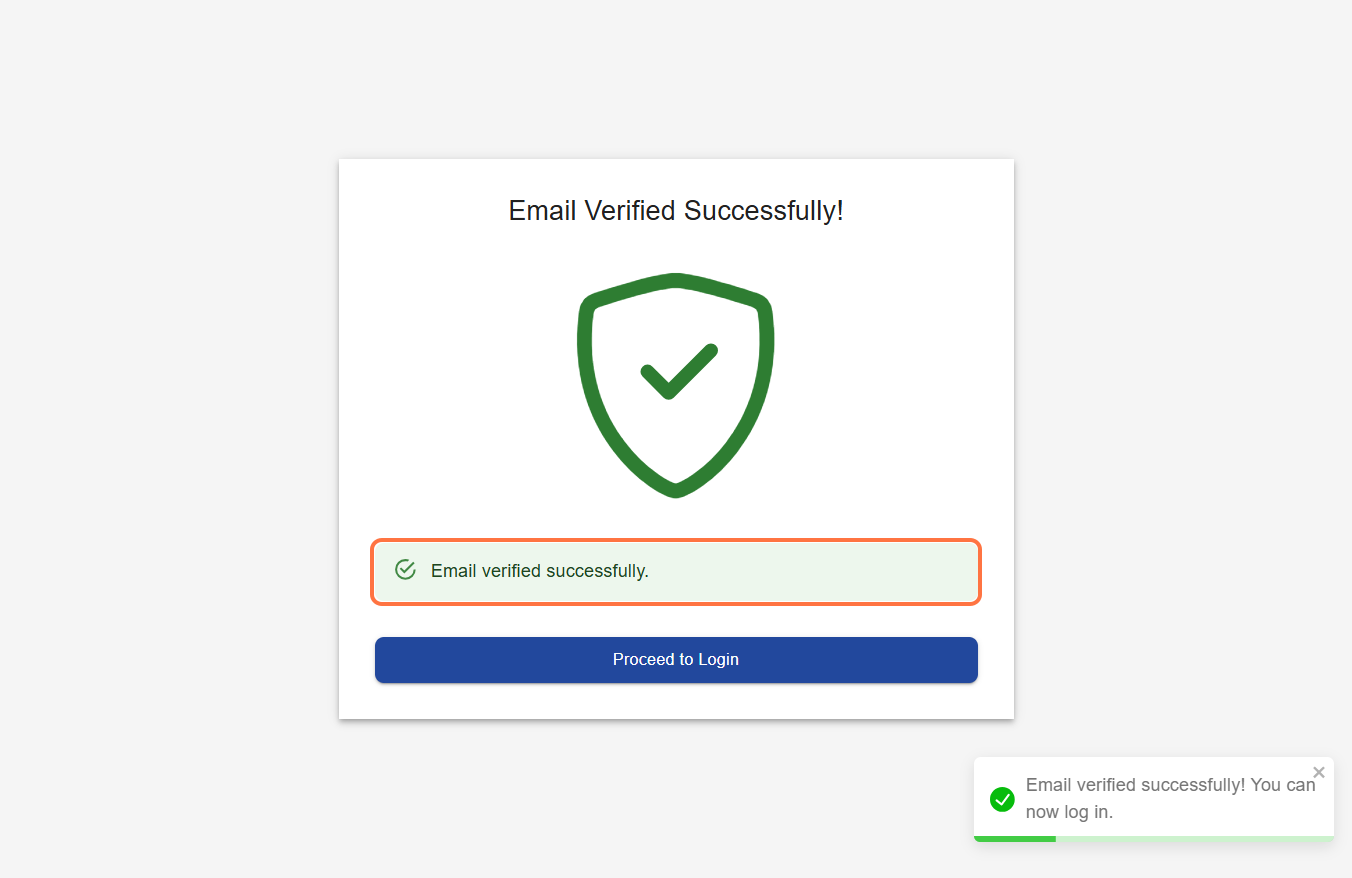
- You'll be redirected to the Centro Access platform
- Your email is now verified and your account is active
For additional information about user account verification, please visit our User verification Guide.
Accepting an Invitation
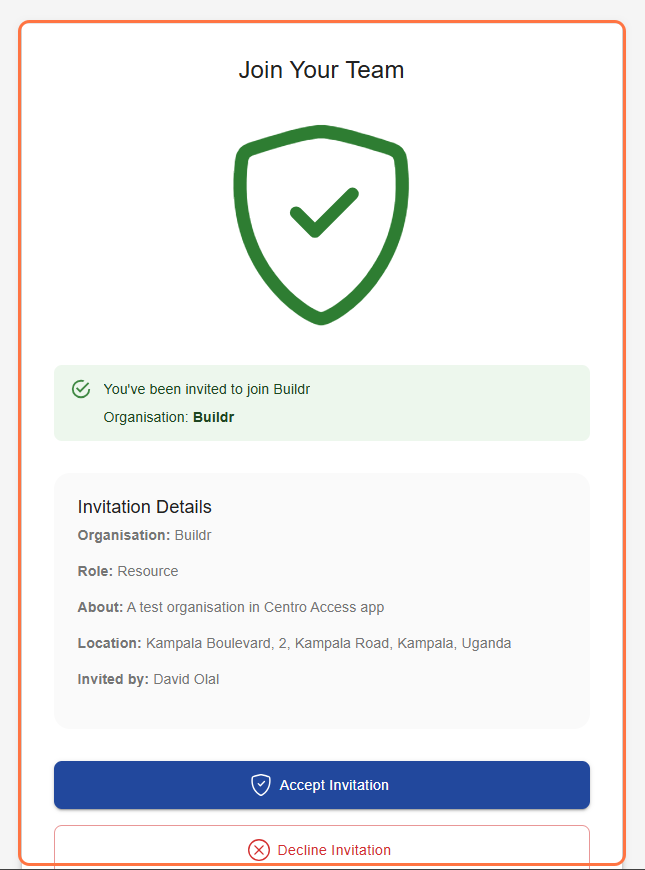
If you've been invited to join an organization:
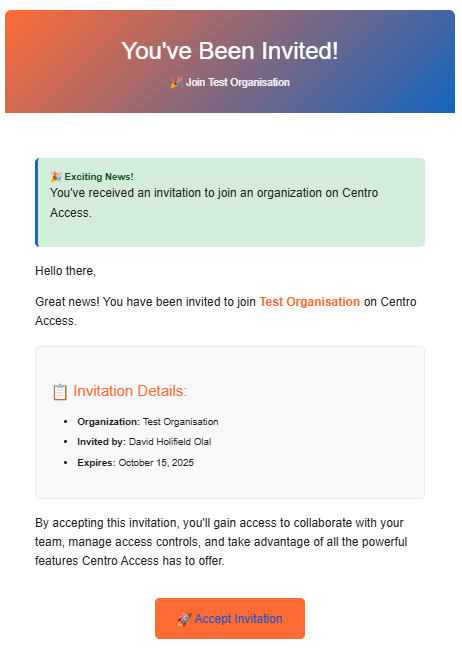
- Check your email for an invitation from Centro Access
- Open the email and click the "Accept Invitation" button
- If you don't have an account, you'll be prompted to create one
- If you already have an account, you'll be added to the organization after logging in
For additional information about user account verification, please visit our User verification Guide.