Organizations
Creating an Organization
To create a new organization in Centro Access:
- Log in to your Centro Access account
- Navigate to the Organizations section
- Click "Create New Organization"
- Enter your organization details:
- Name
- Business address
- Contact information
- Click "Create Organization"
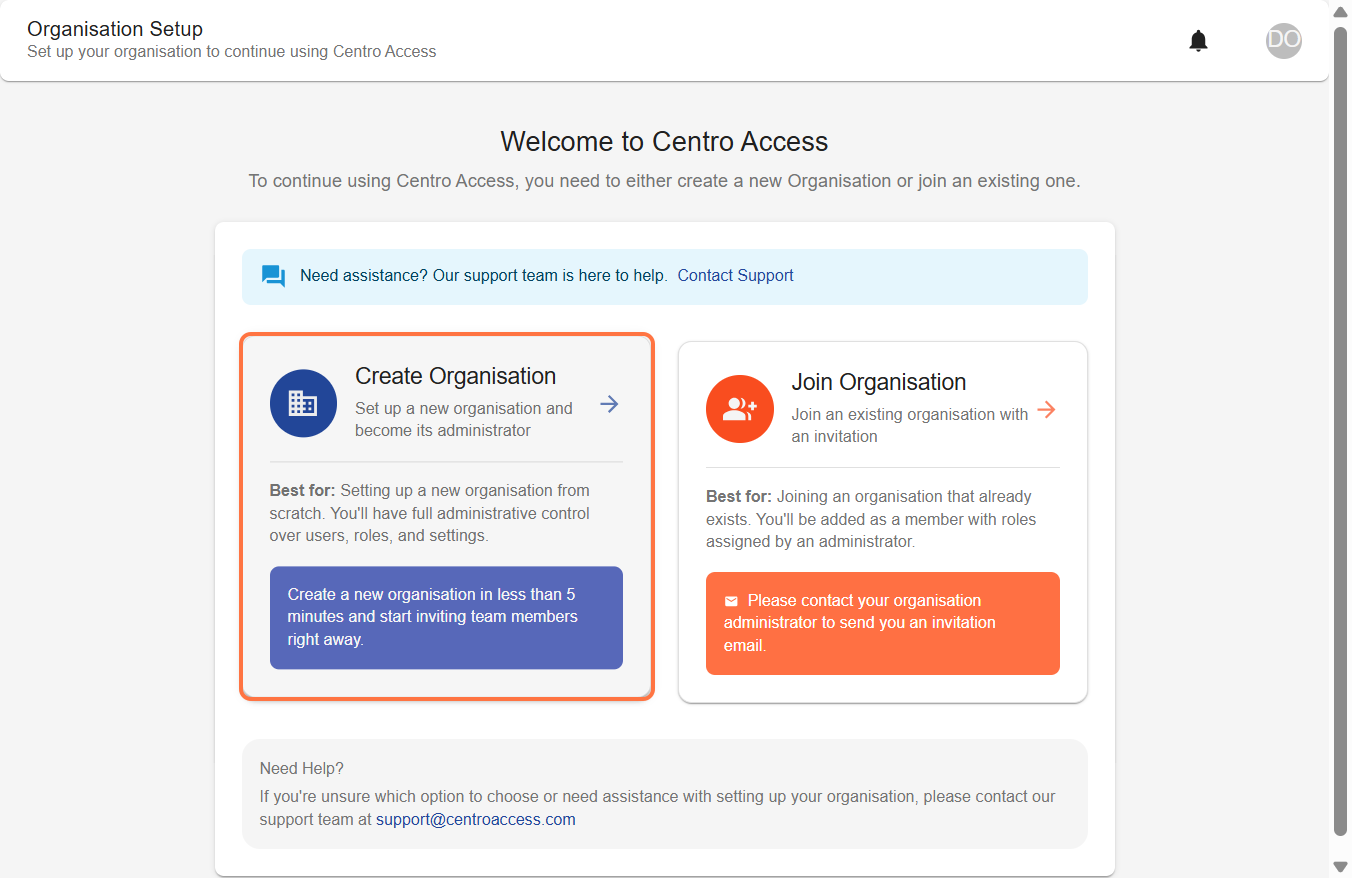
For additional information about organisation creation, please visit our Organisation creation Guide.
Inviting Users to Your Organization
As an organization admin, you can invite team members:
- Navigate to your Identity and Access Management dashboard
- Select "Invitations"
- Click "New Invitation"
- Enter the email address of the person you want to invite
- Select their role and permissions
- Add a custom message (optional)
- Click "Send Invitation"
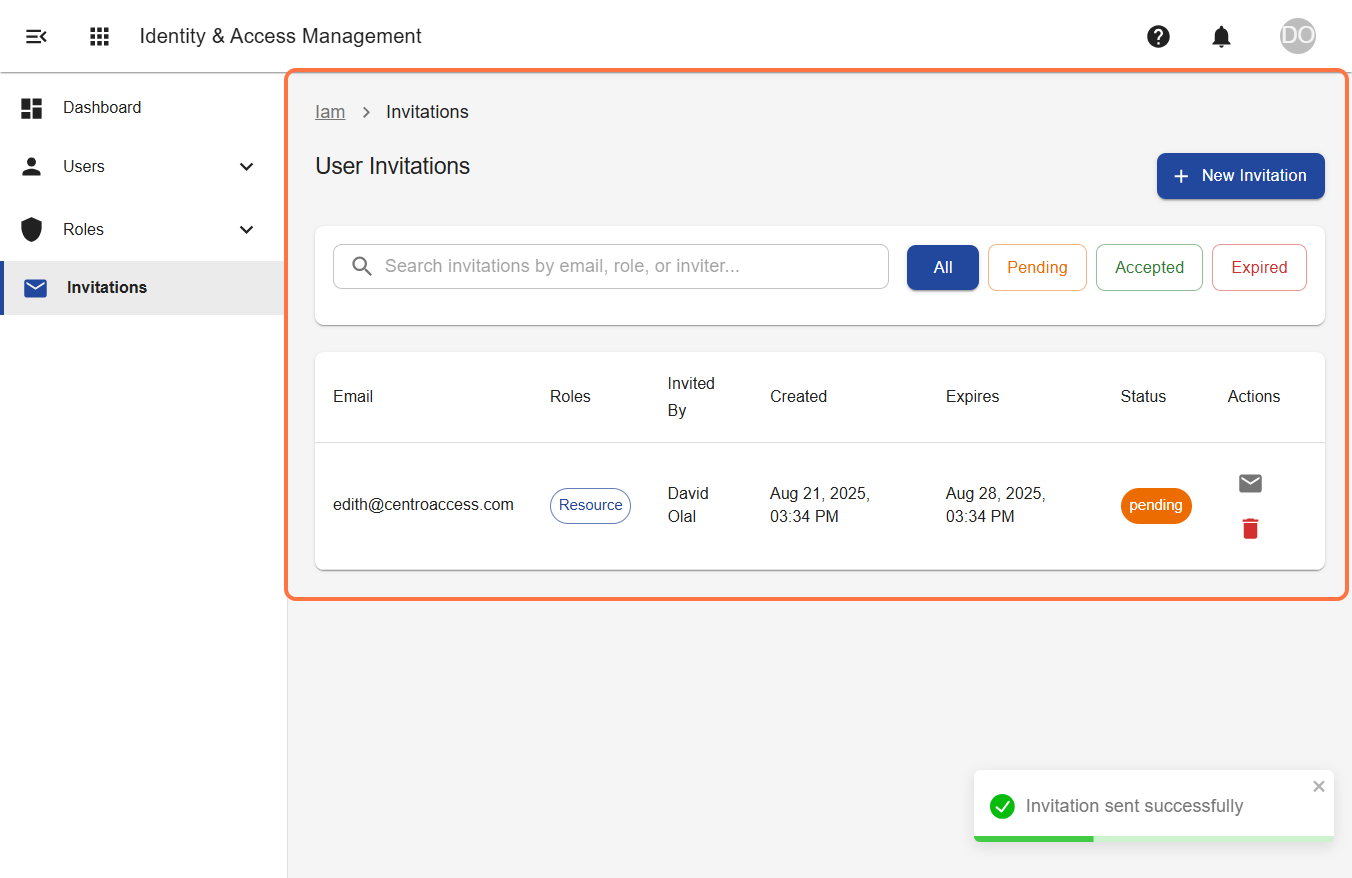
The invited user will receive an email with instructions to join your organization but the invitation link will expire after 7 days.
For additional information about organisation invitations, please visit our Organisation invitations Guide.